

How to enable MFA / 2FA for your HubSpot account
What this guide will do
This guide will show you how to setup multi-factor authentication (MFA / 2FA) for your HubSpot account. You can see our other guides for other websites.
Steps
1. Log into HubSpot
2. If you have not setup 2FA before you will be prompted to setup 2FA
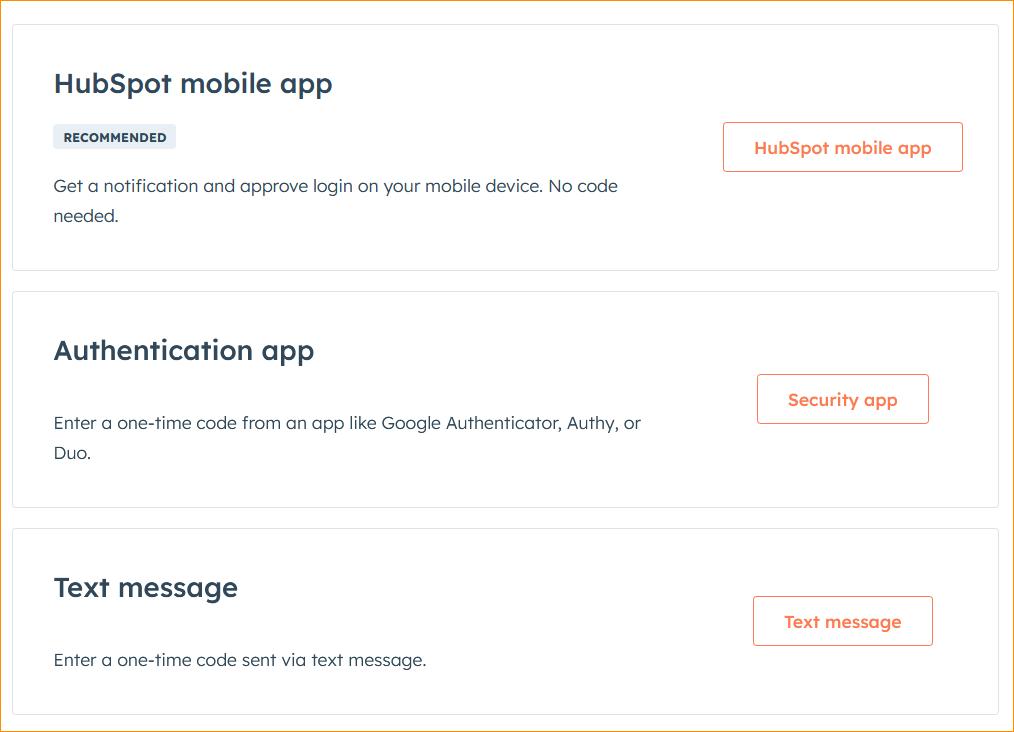
3. You can select the authentication app and then scan in the QR code to hubspot
4. It will prompt you to enter the 6 digit code
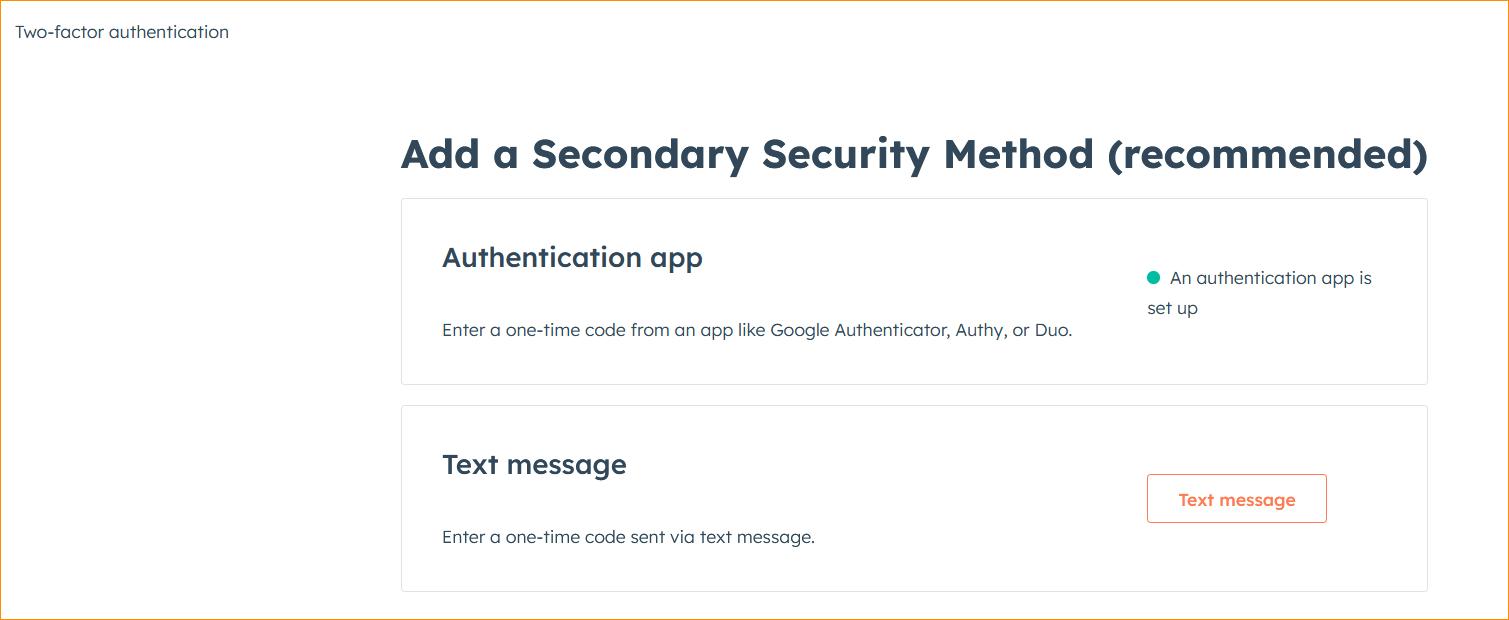
5. Now you can see your authentication is properly setup: